
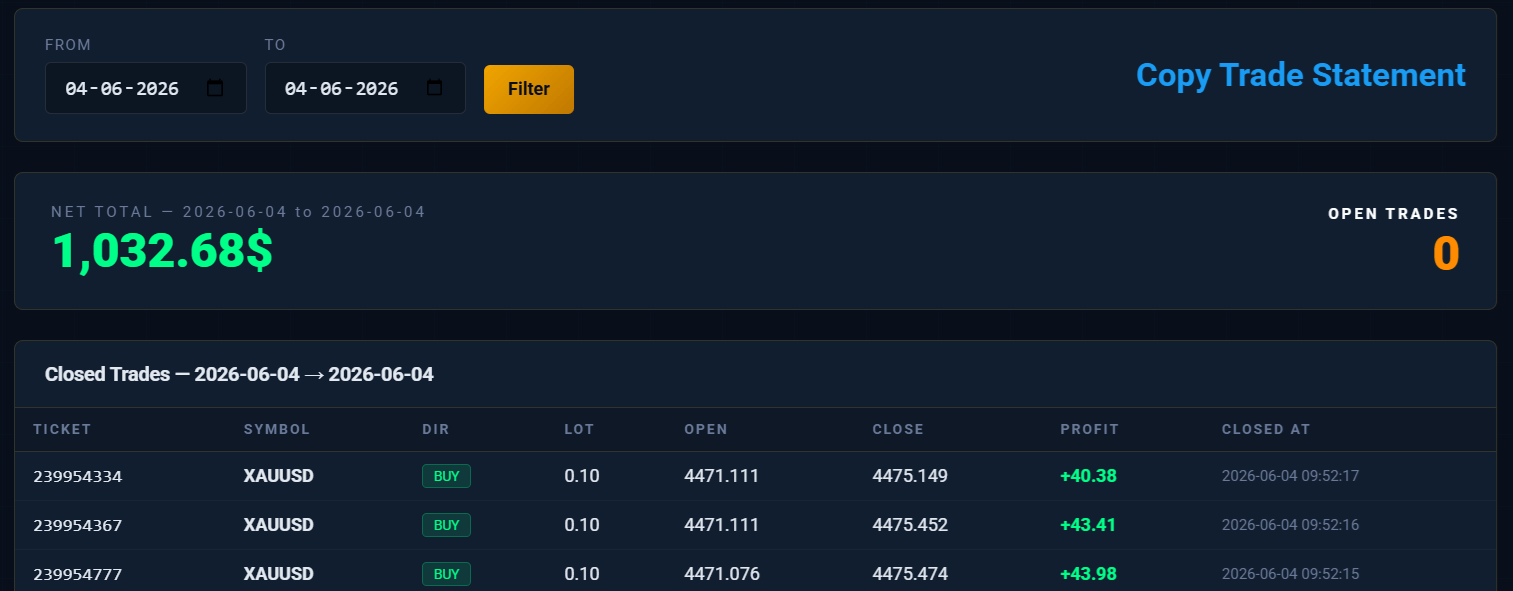
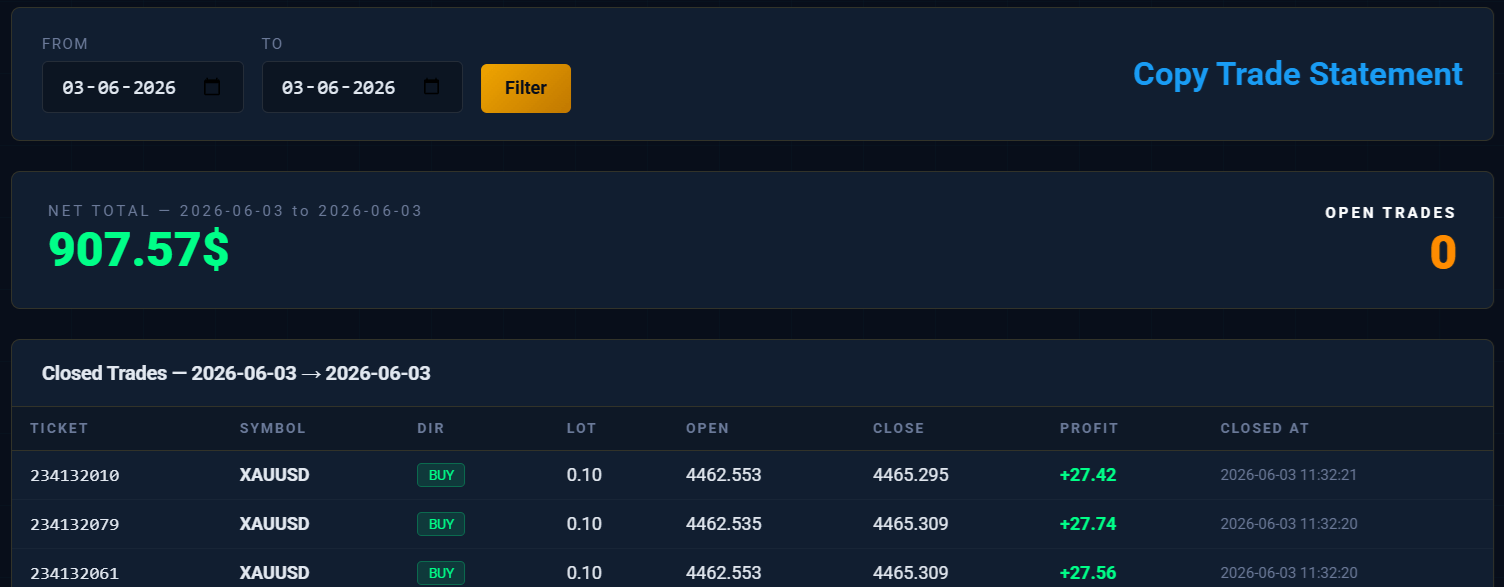
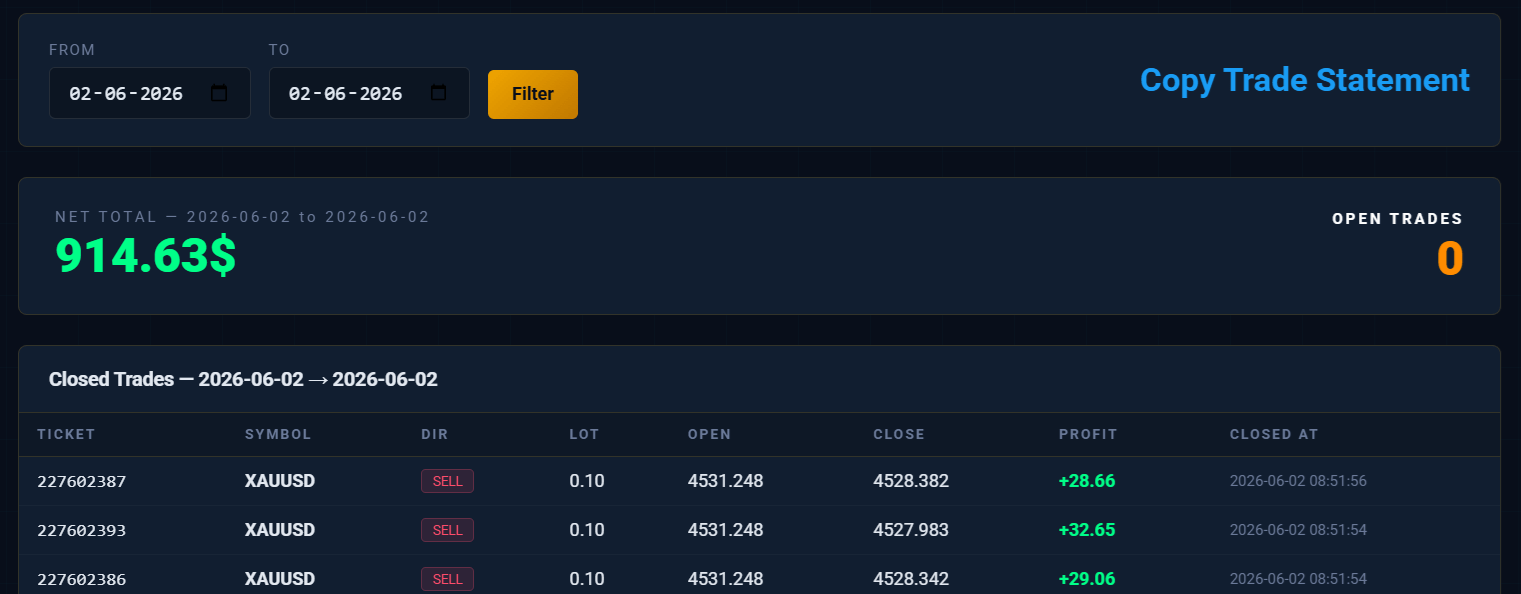
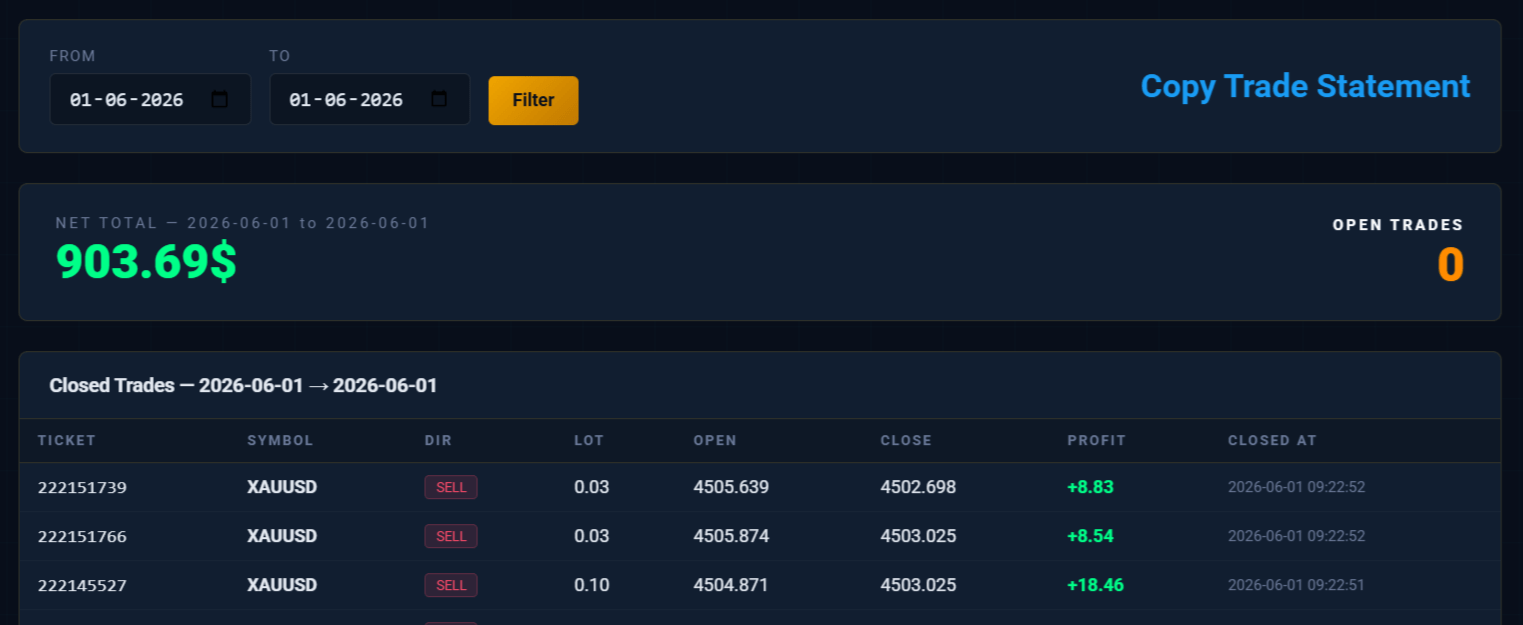
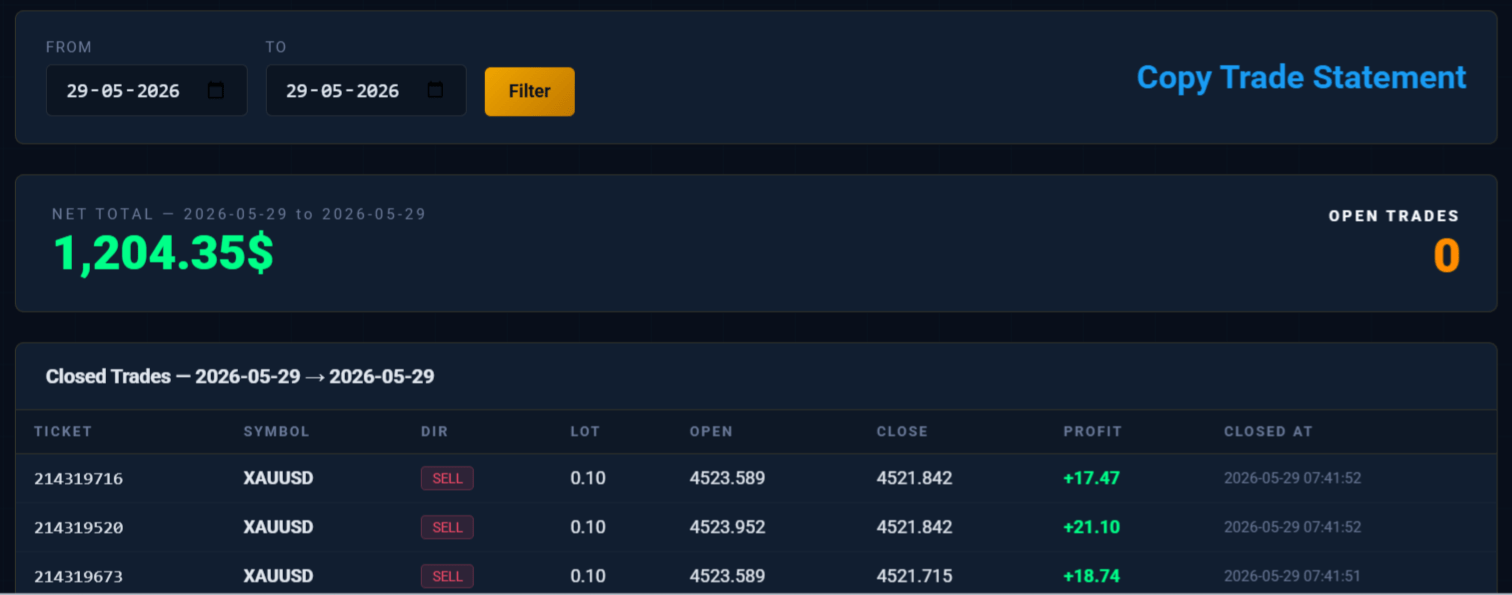
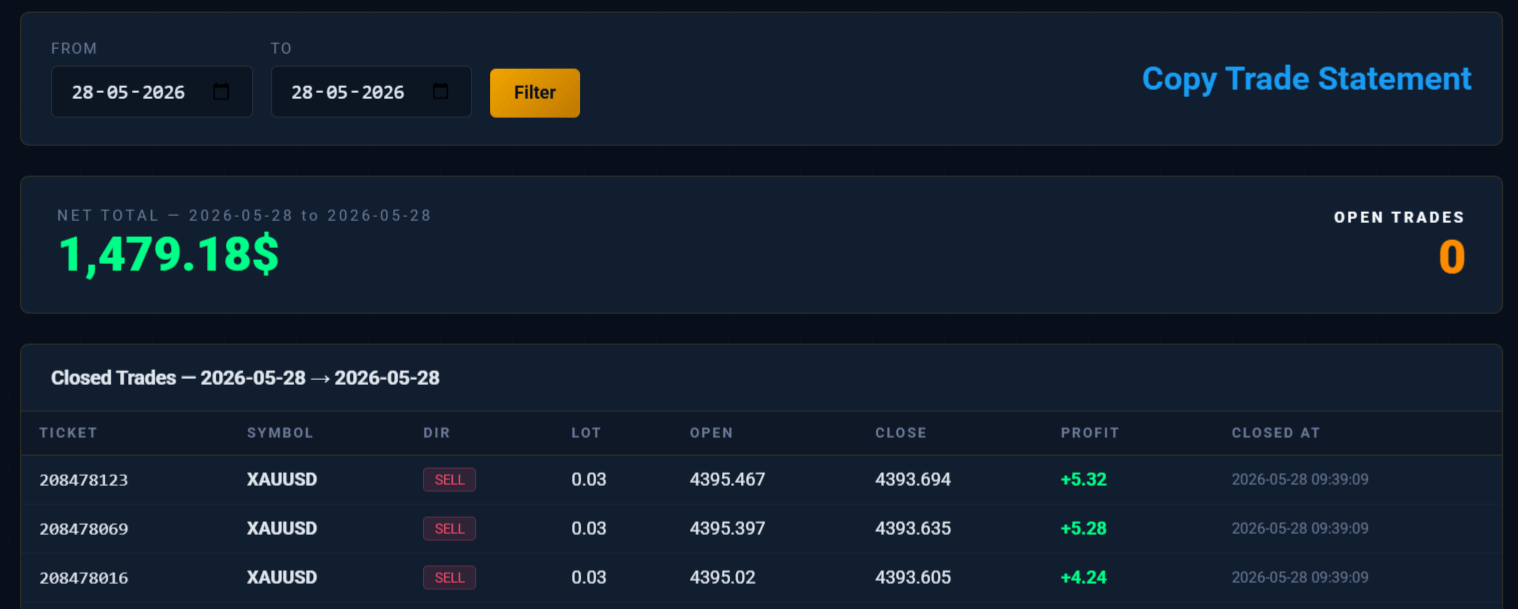
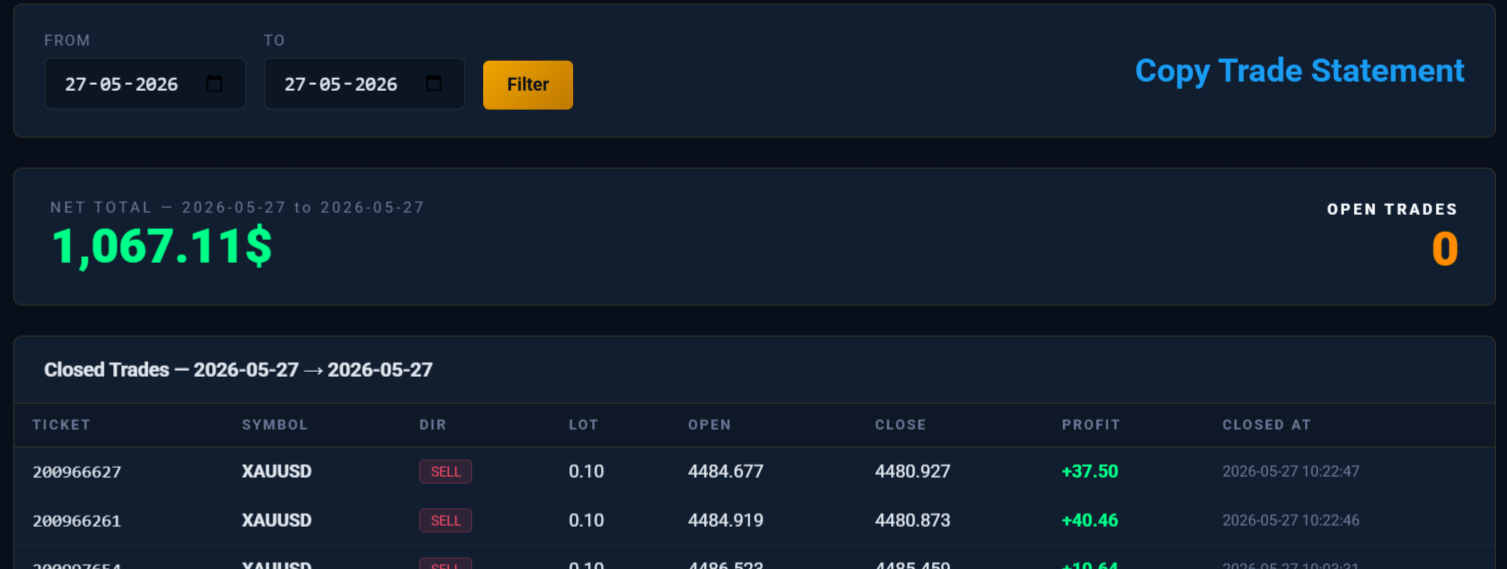
Copy XAU/USD Trades.
Profit Automatically.
Any MT5 Broker. Any Account.
Professional XAU/USD (Gold) trades are executed using technical analysis on the MetaTrader 5 terminal and instantly copied to your MT5 account with your own lot size, on any MT5 broker worldwide. No trading experience needed. No manual work required. Just subscribe, install the tool, and let the trades arrive automatically in real time.
3 Simple Steps to Start Earning
The entire process is designed to be effortless for you. Once you are set up, everything runs automatically in the background while you go about your day.
Subscribe & Get Licensed
Choose your subscription plan and complete the payment. You will receive a unique license key tied to your MT5 account number. This key activates the copy trading tool exclusively for your account. No one else can use it.
Download & Install the Tool
Download the subscriber EA (Expert Advisor) file and install it on your MetaTrader 5 terminal. Enter your license key and set your preferred lot size. The tool connects to our server instantly. Works with any MT5 broker worldwide.
Trades Copy Automatically
From this point, every trade placed on the master MT5 terminal is mirrored to your MT5 account within 3 seconds. When a trade is opened, modified, or closed, your MT5 account follows automatically. You only set the lot size. Everything else is handled for you.
Everything You Need. Nothing You Don't.
Built on MetaTrader 5 with a professional server infrastructure, our copy trading system is reliable, fast, and easy to use.
Ultra-Fast Copy Speed
Trades are copied to your account within 3 seconds of being placed. No delays, no lag. Every open, modify, and close action is mirrored in real time.
Any Broker Supported
It does not matter which broker you use. The subscriber tool works with any MetaTrader 5 broker worldwide, including ECN, STP, and Market Maker brokers.
Your Own Lot Size
You are in full control of your risk. Set your preferred lot size in the tool settings and it never changes without your permission. Trade small or large — the choice is yours.
License Key Protection
Every subscription comes with a unique license key tied to your MT5 account number. The tool cannot be shared or used on unauthorized accounts. Your access is fully protected.
Live Panel on Chart
A clean info panel is displayed directly on your MT5 chart showing your account name, broker, license expiry date, lot size, and connection status all in one place.
Expiry Alert System
The tool automatically warns you 3 days before your license expires so you never miss a renewal. The warning appears directly on your MT5 chart in real time.
Auto SL & TP Copy
Stop Loss and Take Profit levels are copied exactly as set on the master MT5 terminal. Any mid-trade modifications update your MT5 account automatically. Nothing is missed.
MT5 Compatible
Works seamlessly on MetaTrader 5 desktop for Windows. No third-party software required. Simply attach the EA to any chart and it runs silently in the background.
24/7 Signal Coverage
Signals run around the clock during active market sessions. Whether you are asleep or busy, trades are copied to your account automatically. You never miss an opportunity.
Download the Copy Trading Tool
LGS CopyTrade Subscriber EA
This is the MetaTrader 5 Expert Advisor (EA) file you need to install on your MT5 terminal. After downloading, place the file in your MT5 terminal's Experts folder, compile it in MetaEditor, and attach it to any XAU/USD chart on your MT5 terminal. Enter your license key in the EA inputs to activate copy trading on your MT5 account.
⬇ Download Trade Copier
License key required to activate after install.
🛠 Complete Installation Guide: MT5 Terminal
tradecopier.ex5 file into this folder.
tradecopier.ex5 file,
fully close and restart the MT5 Terminal. The EA will appear automatically
in the Navigator panel under Expert Advisors. No compilation needed.
No Upfront Cost. Pure Profit Sharing.
You pay nothing to get started. We copy professional XAU/USD trades directly to your MT5 account. At the end of each week, you simply share 20% of your net profit with us. If you make no profit, you pay nothing. It is that simple.
Paid Every Friday
- 💰 Min. Equity: $500
- No Upfront Subscription Fee
- No Profit — No Payment
- Full Copy Trading Access
- Any MT5 Broker Supported
- Your own Lot Size Control
- One MT5 Account License
- Live Connection Panel On Chart
- 01 Profit sharing is calculated weekly — from Monday to Friday each trading week.
- 02 Payment must be made every Friday — 20% of the total net profit earned during that week.
- 03 If the week closes with no profit or a loss, no payment is required for that week.
- 04 Only net profit is counted — losses from previous days within the same week are deducted before calculating the 20%.
- 05 Copy trading access continues as long as weekly profit sharing is maintained on time every Friday.
- 06 Before making your profit share payment every Friday, you must send a full screenshot of your MT5 History (Custom Period: Monday to Friday) clearly showing your weekly Profit amount.
Frequently Asked Questions
Have questions before you start? Here are the most common things people ask about the LGS Copy Trading service.
Ready to Copy Gold Trades on MT5?
Contact the LGS team directly to subscribe and receive your license key. Once payment is confirmed, the key will be delivered within minutes and copy trading on your MT5 terminal begins immediately. Fast support is available via the contact form below.
Keep Your Gold Chart Running
Your Laptop or Desktop must be kept on with the Gold chart open every day (Monday to Friday) during the following times:
Please follow your local time listed above and keep your Laptop or Desktop running with the Gold chart open during these hours so that all trades are copied correctly without any interruption.